Barcode Scanning
The barcode scanning app where every stock movement starts with a scan.
Scan to add, scan to sell, scan to count. No typing, no lookup tables.
Typing item numbers is where errors start
A transposed digit on a manual entry becomes a wrong price, a phantom stock count, or an invoice line nobody can explain later. Scanning removes the step where that happens.
What's included
Scan to add
Point the camera at a new product's barcode and StashBill creates the item record — name, category, and price fields ready to fill in.
Scan to sell
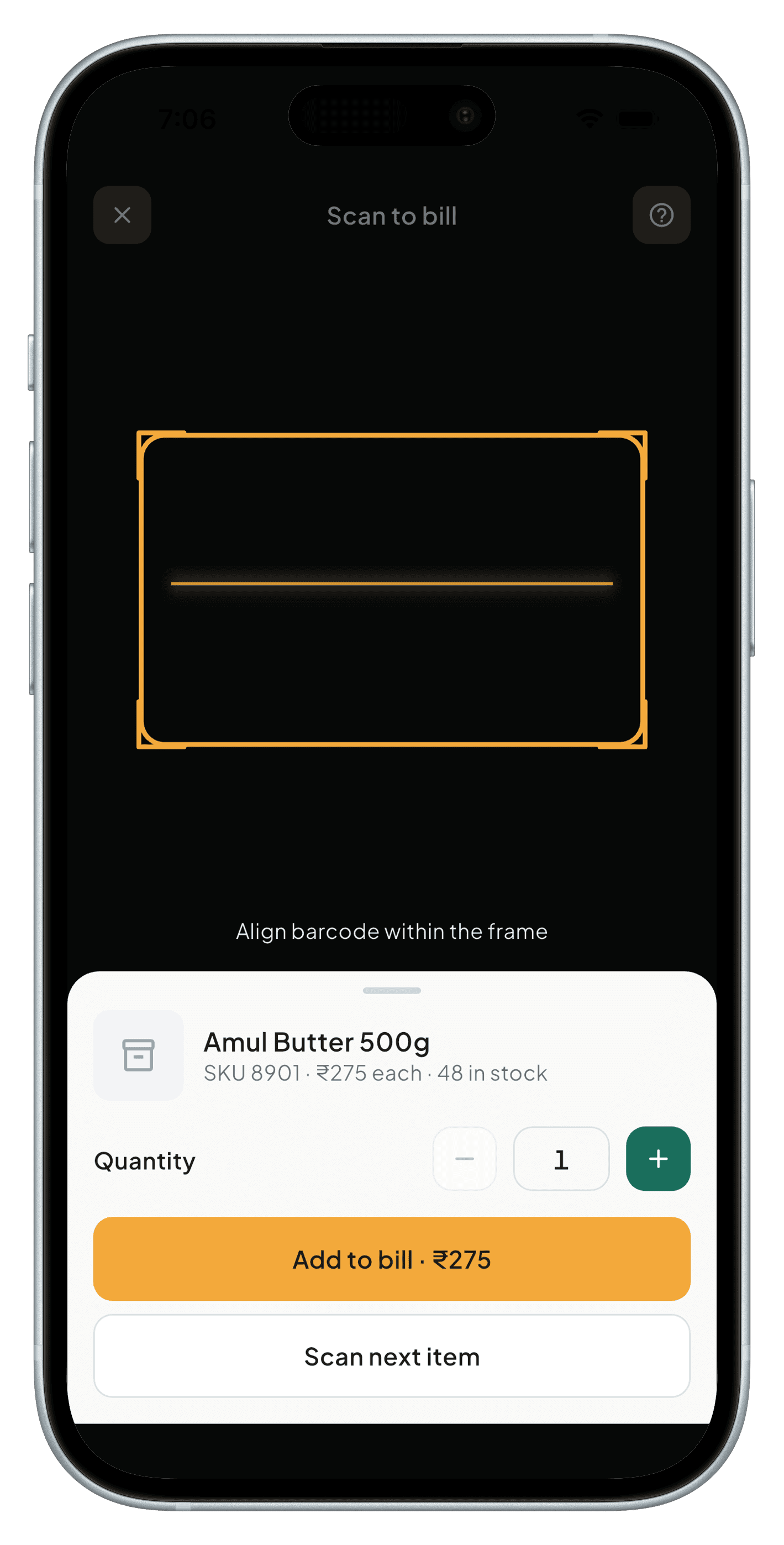
Build an invoice line by line by scanning what's leaving the shelf. Quantities and prices populate automatically.
Scan to receive
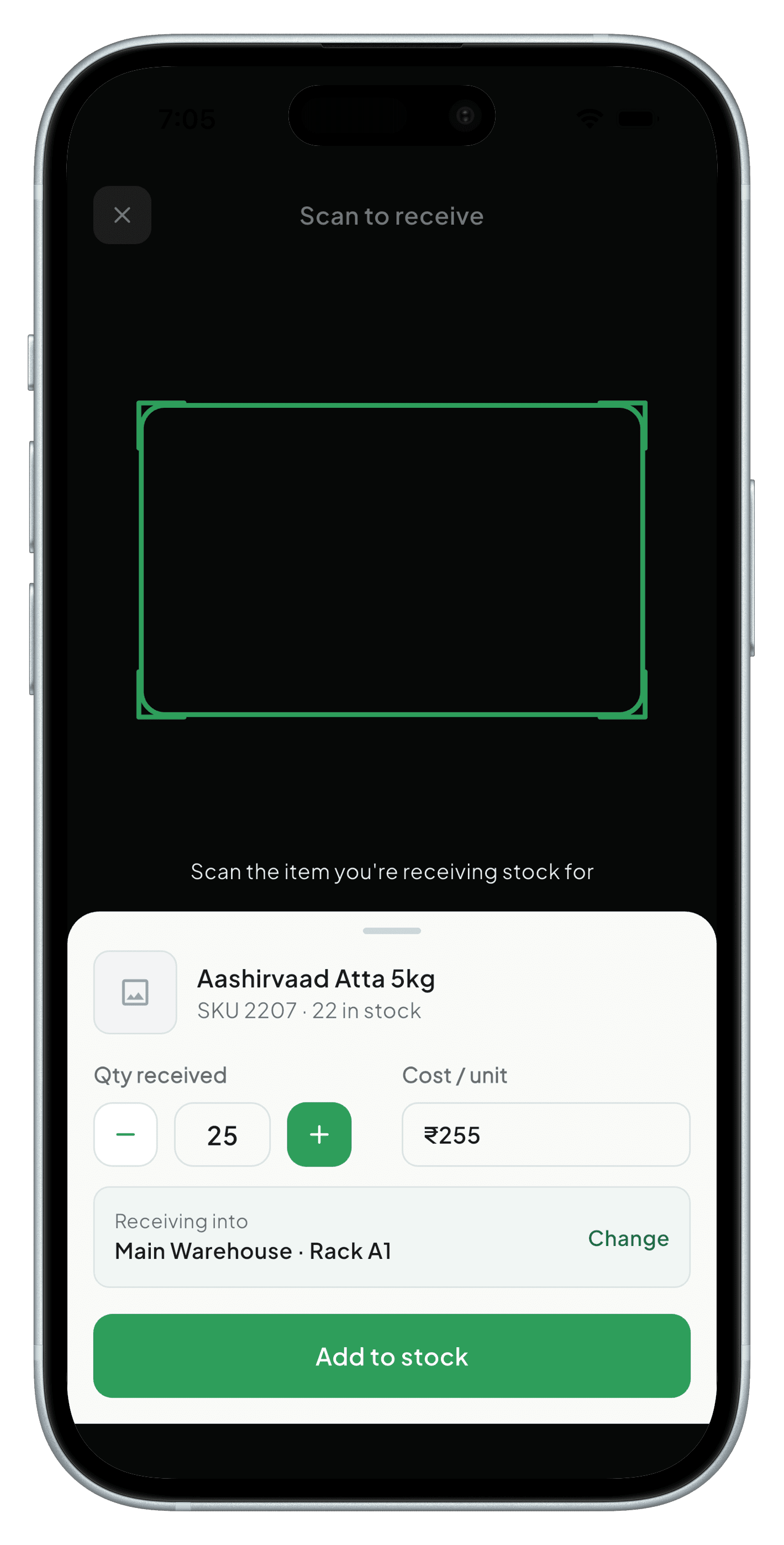
Scan a delivery straight into stock as it arrives, matched against the purchase record instead of counted by hand.
Scan to count
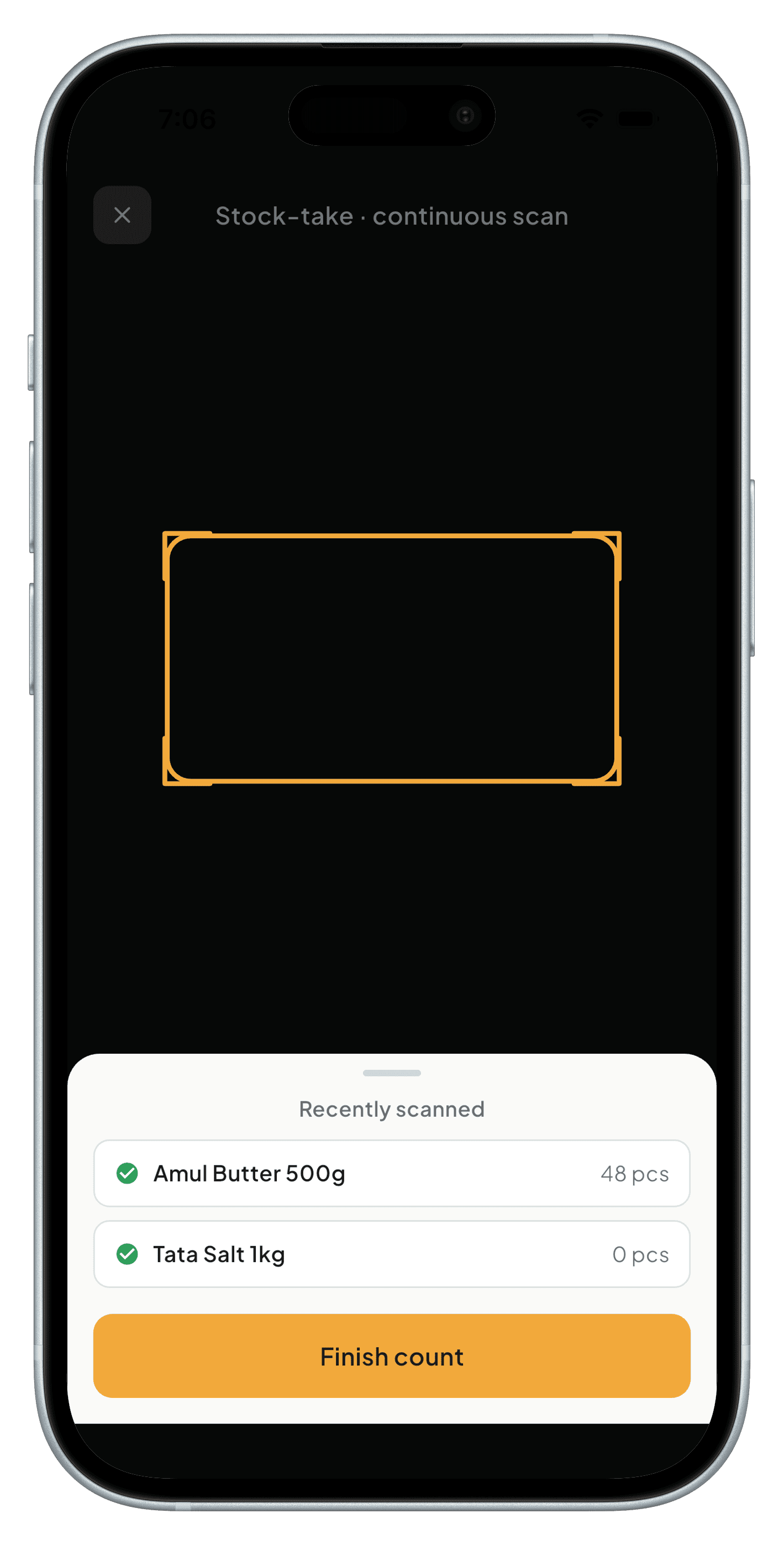
Run a full stock take by scanning instead of tallying on paper — StashBill reconciles the count against what it expects to see.
Works with any camera
No dedicated scanner hardware required — any phone or tablet camera reads standard 1D and 2D barcodes. Bluetooth and USB HID scanners are supported on desktop.
See it in the app
A closer look at the screens that make this work.
Frequently asked
No. Any phone or tablet camera works. Dedicated Bluetooth or USB HID scanners are supported too, if you already have them.
Standard 1D formats (UPC, EAN, Code 128) and 2D formats (QR, Data Matrix) used on retail and wholesale packaging.
You can generate and print a barcode for it directly from StashBill, or add it manually just once.
Coming soon to Android, iOS, Windows & macOS
StashBill is in final development. It will be free forever for one device — no card required.