Invoicing & Billing
The invoicing app that turns a scan into a compliant invoice.
GST, VAT, and sales tax invoices generated automatically, ready to send.
One wrong tax field means redoing the invoice
Manually filling in tax rates, HSN/SAC codes, or VAT numbers is where invoices get rejected or flagged. StashBill fills those fields from your country and item setup, every time.
What's included
Auto-filled tax fields
Tax rate, code, and registration details populate from your business profile — no re-entering them per invoice.
Every document type
Tax Invoice, Proforma, Quotation, Credit Note, Debit Note, and Delivery Challan, all from the same item and customer records.
Auto-numbering
Configurable, financial-year-aware invoice numbering series — no manually tracking the next number.
Multi-line billing
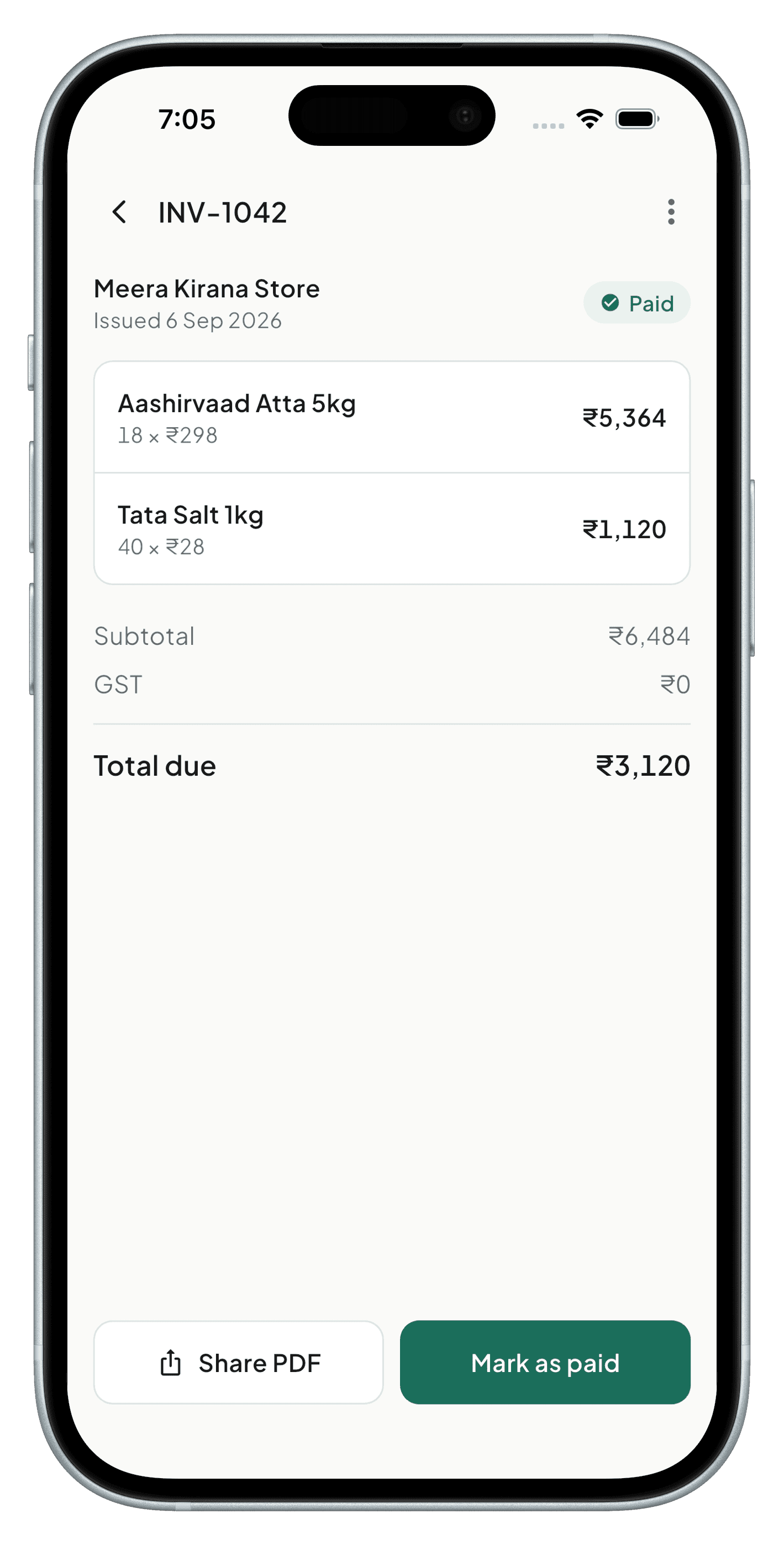
Add as many line items as the sale needs; totals, tax, and discounts recalculate live.
Recurring invoices & reminders
Set an invoice to repeat on a schedule, and send automatic payment reminders as due dates approach.
Send anywhere
Share invoices as PDF over WhatsApp, email, or print directly from the app.
Payment tracking
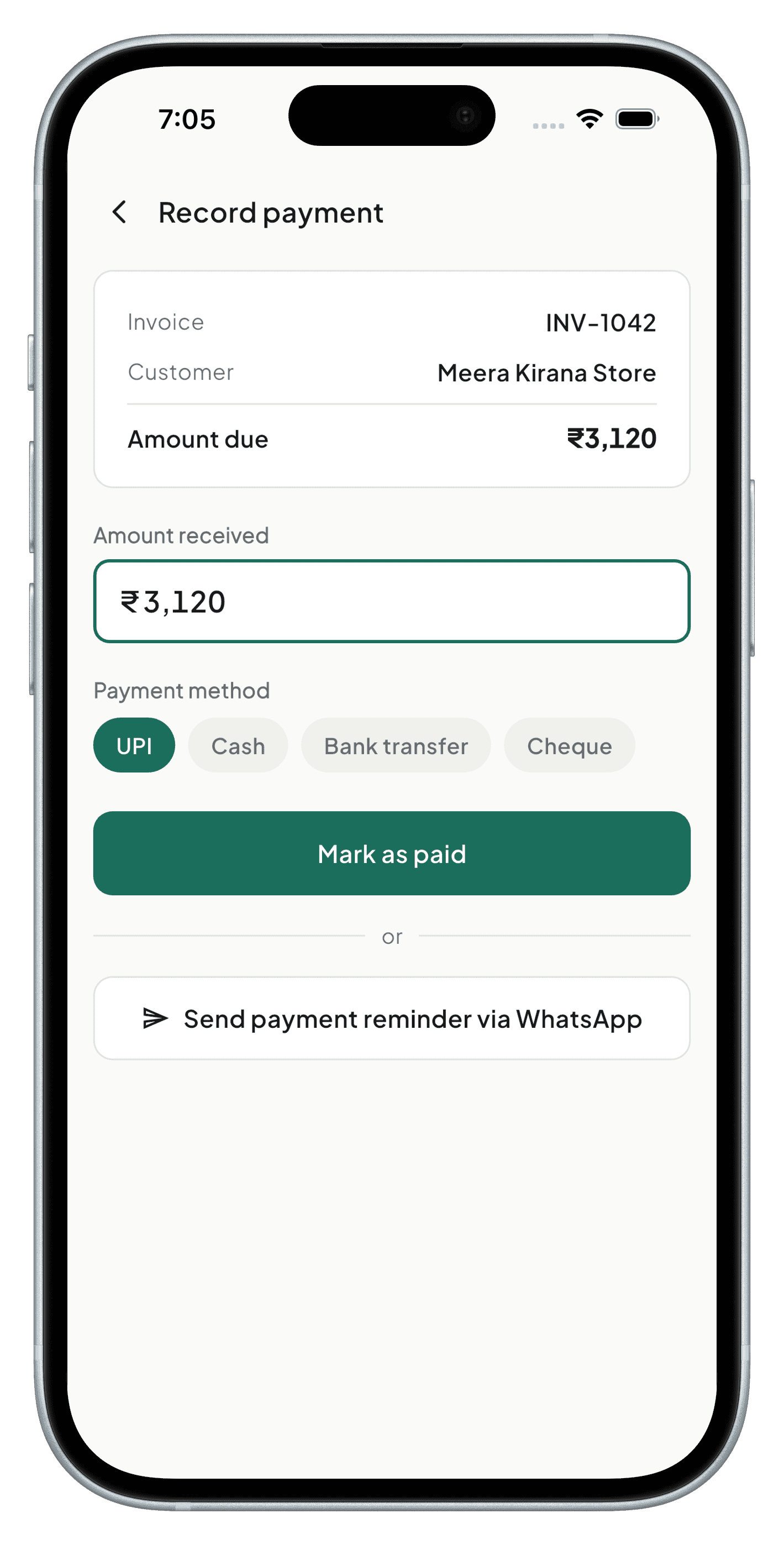
Mark invoices paid, partially paid, or overdue, and see outstanding balances per customer.
See it in the app
A closer look at the screens that make this work.
Frequently asked
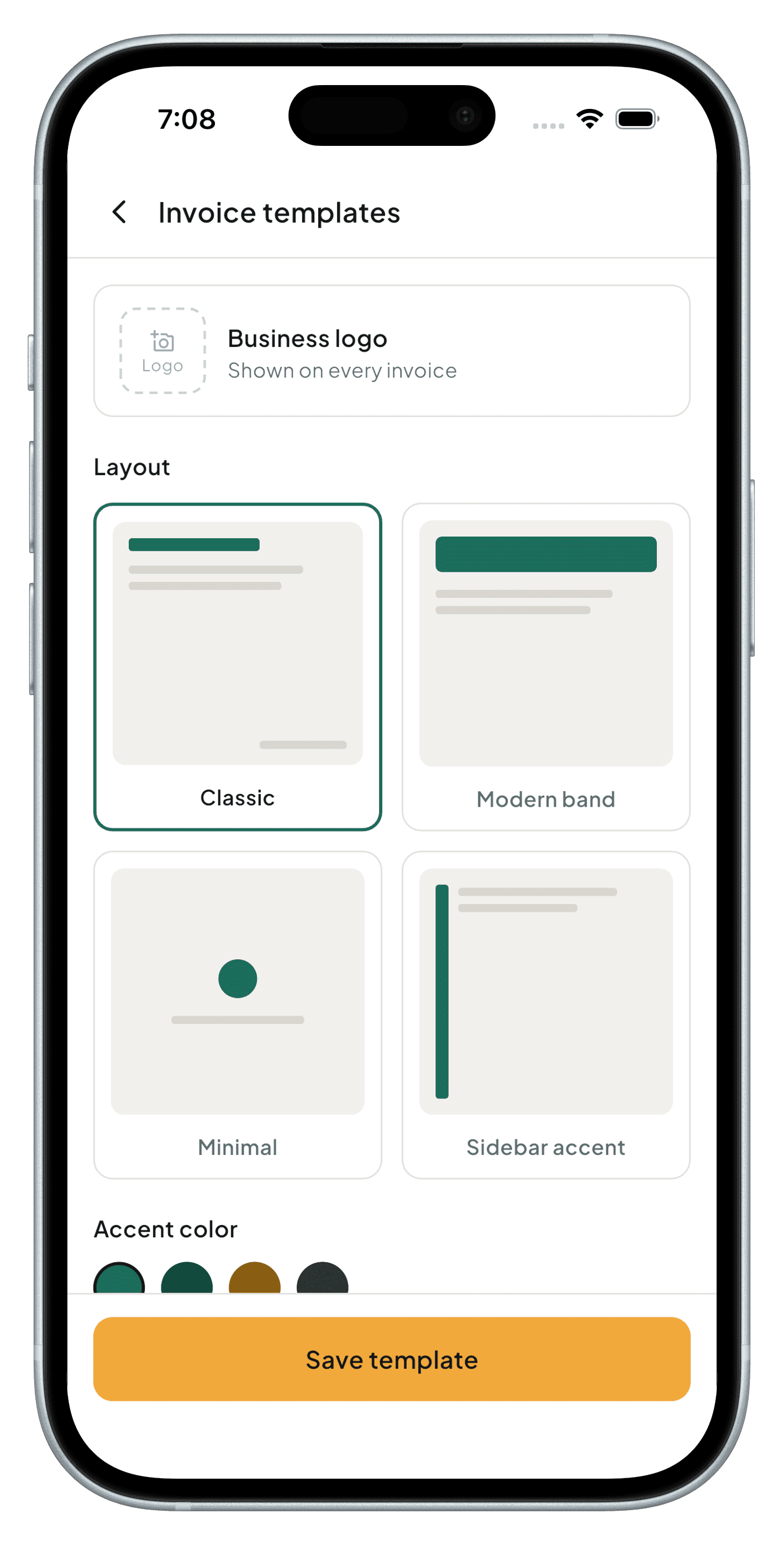
Yes — add your logo, business details, and choose which fields appear on the printed or shared invoice.
Yes, per line item, so a single invoice can mix tax rates and discount types correctly.
You can attach your payment details or a payment link; StashBill records the payment status once you mark it.
Coming soon to Android, iOS, Windows & macOS
StashBill is in final development. It will be free forever for one device — no card required.